

For the people who keep an ER:LC server running.
Jellyn clocks your staff’s shifts, keeps every warning, kick and ban with its reason, starts your sessions and shows who is in game right now. It works in your Discord and on the website, and both keep the same records.
A Friday night on Liberty County RP
A made-up server on a made-up night, and what Jellyn does while it runs.
Nova starts a shift
One /shift in Discord, or Start on the website. From here the breaks, the week’s requirement and the leaderboard keep their own count.
Discord · the website
Your week3h needed1h 35m so far
- 6h 10m
- 4h 42m
- 1h 35m
The poll fills up, and the session starts
Players vote with a button. The vote that reaches your number starts the session by itself: Jellyn posts the startup with the join code and pings the roles you picked.
/session poll · the Sessions page
A mod call comes in
Kyle isn’t in game, and doesn’t need to be. The website shows who is in and on which team, the queue, mod calls and 911 calls, and sends commands for you.
The ER:LC page · the moderator panel
NoLifeRP is banned for seven days
River logs it with :log without leaving the game. The reason stays with the case, and the player’s whole history is one search away.
:log in game · Discord · the moderator panel
- WarningRDM_KevRandom deathmatch outside the bank
- KickxXDriftXxDidn’t stop for police, twice
- Temp banNoLifeRPExploiting the car spawner · 7 days
- WarningKy_RacerSpeeding through the hospital car park
- BanToxicTyler09Harassing players in voice chat
- KickLagSwitchLarryTeam-killing on the fire team
- WarningRDM_KevFailure to roleplay at a traffic stop
No case matches that. Try kev or ban.
Everyone clocks out
The night’s hours are already on the week’s board, with who still needs time for the requirement. Nobody adds anything up.
The Activity page
A little less admin.
The paperwork of a roleplay community, done for you: shifts, logs, leave and the live server, so your staff spend the night in the scene.


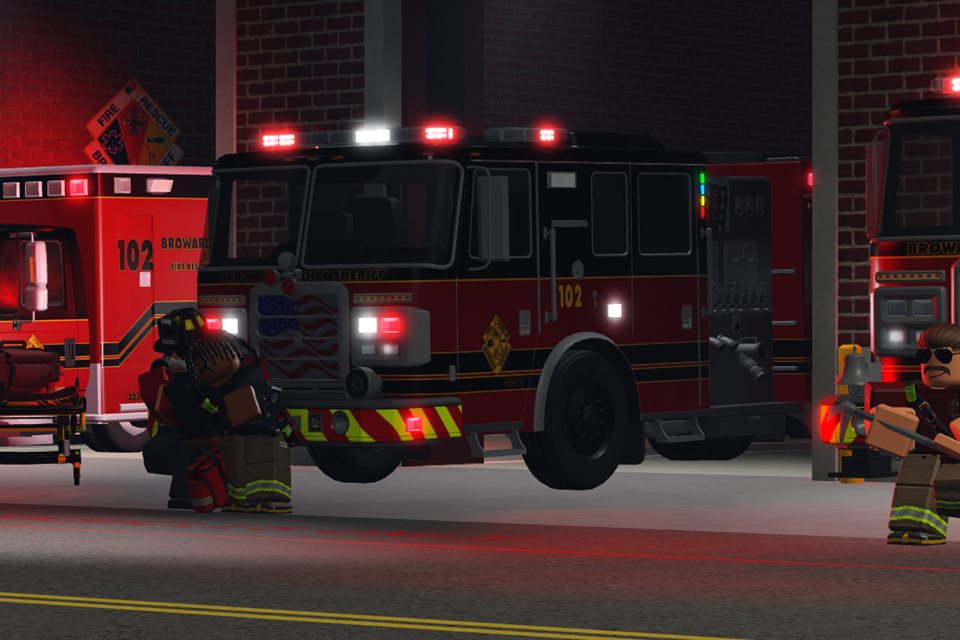
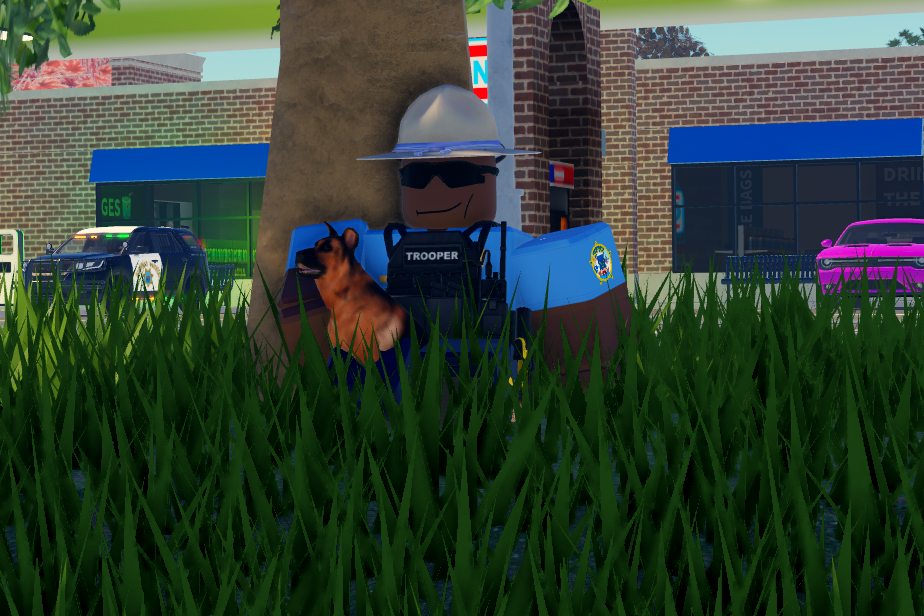


Built around
the way you play.
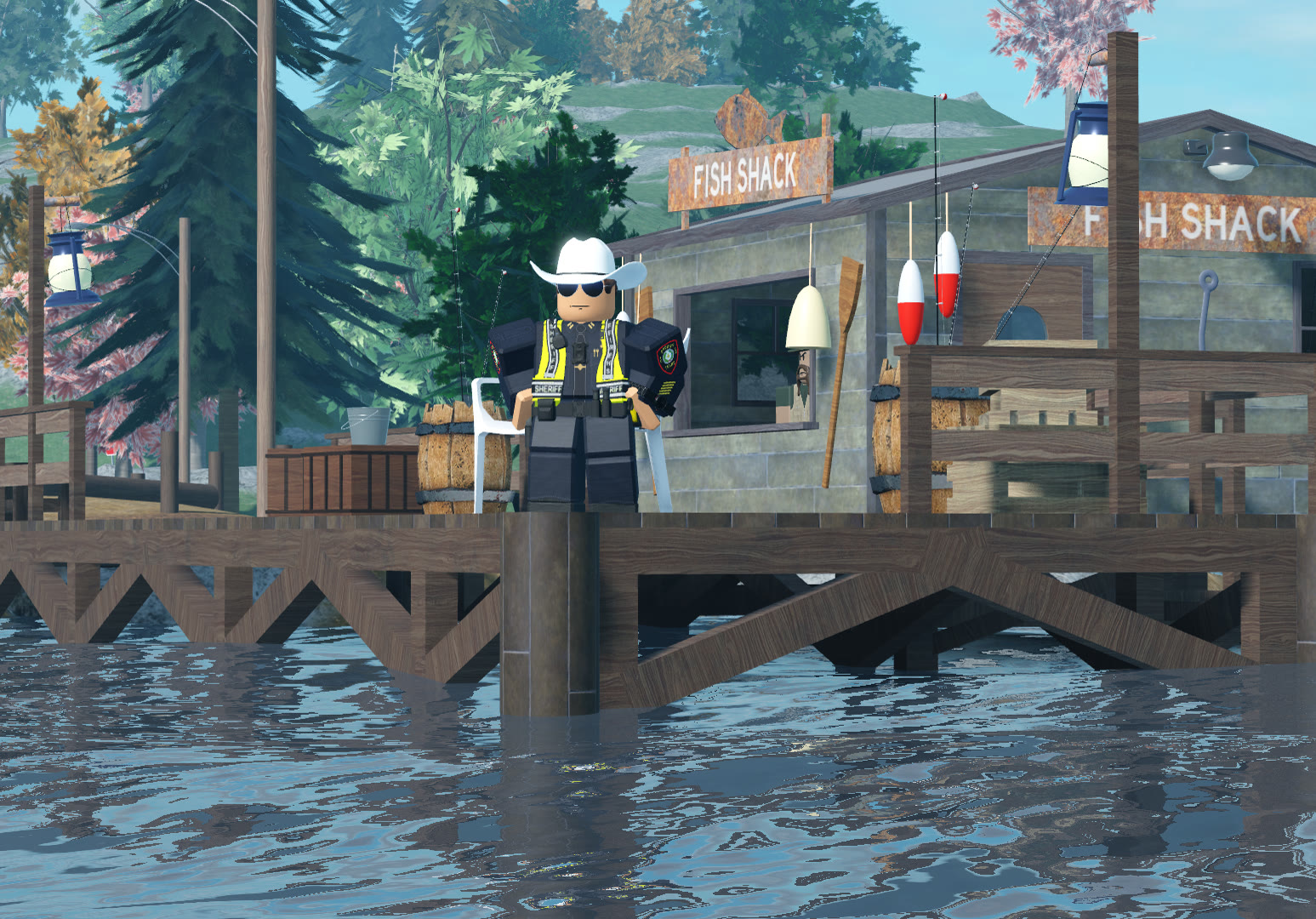
A traffic stop, a patrol on the water, a quiet night at the station. Jellyn keeps the records, so your team can stay in the scene.
Setting it up
About five minutes, if you own the Discord server or have Manage Server there.
Read the quickstart →Sign in with Discord
Your Jellyn account is made the first time. Jellyn never sees your password.
Add the bot
From your dashboard: New, then Add Jellyn to a server.
Run /setup
Pick your staff roles and the channels for shift and punishment logs.
Link ER:LC
Optional. Paste your private server’s API key on the ER:LC page.
Your community, in action.
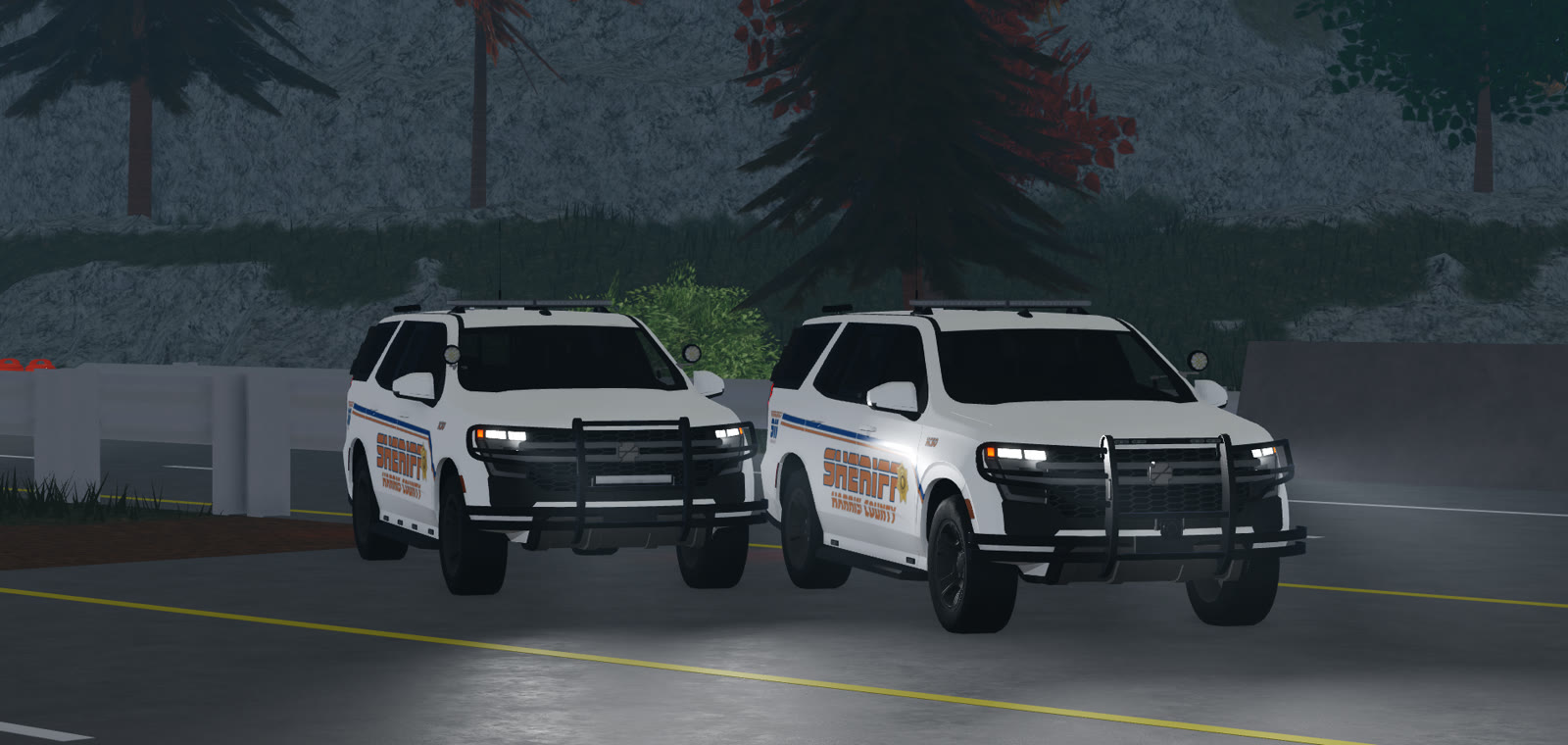
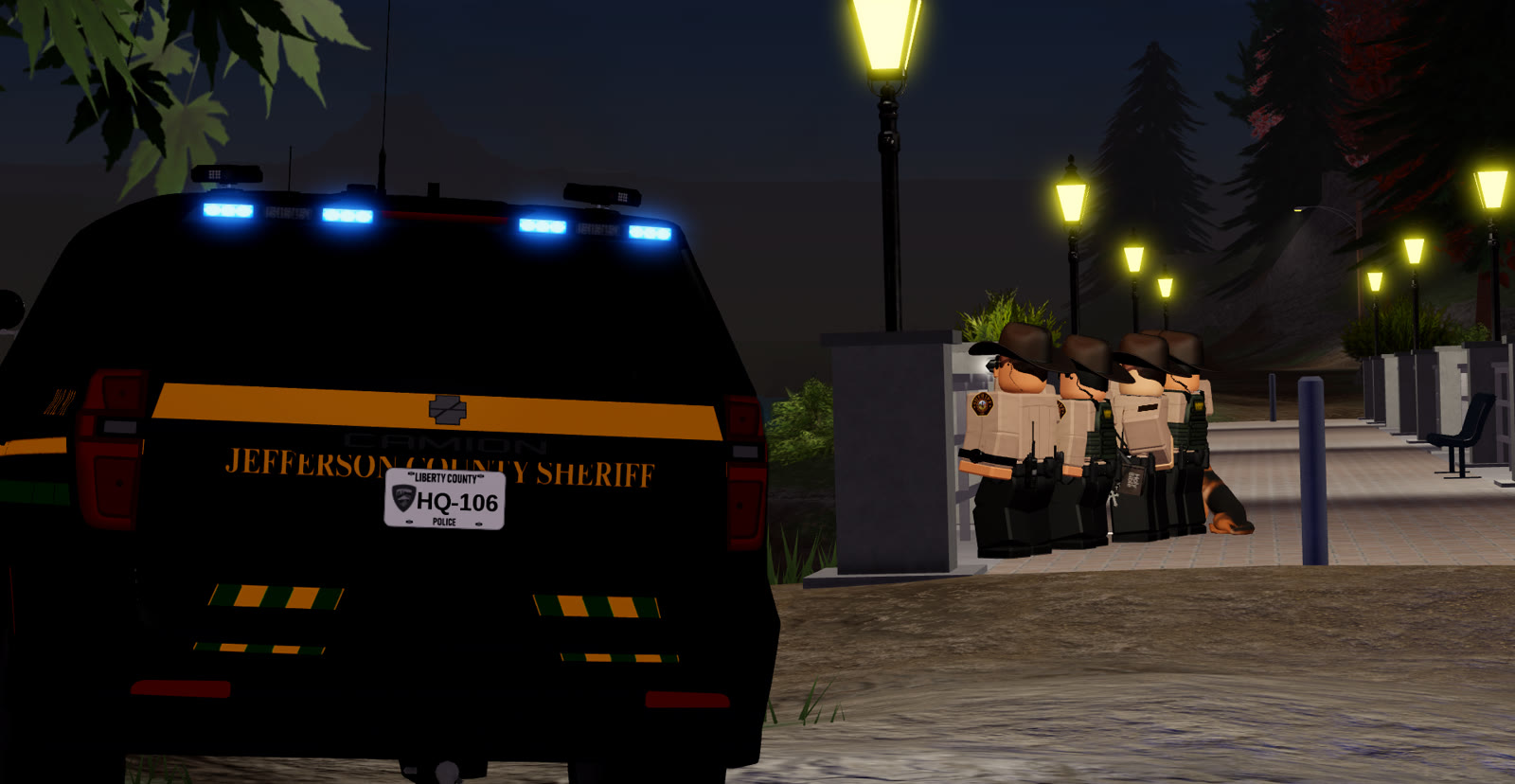
Try it on your own server
before the next session.
Sign in with Discord, add the bot and run /setup. Free for every server, with Jellyn+ for bigger teams.